Is your motor insurance valid? Check now.
Don’t wait until you need to make a claim to find out there is a problem with your cover.
Check your motor insurance by dialing *352# or download and scan using the Bima Yangu app.
VERIFY YOUR INSURANCE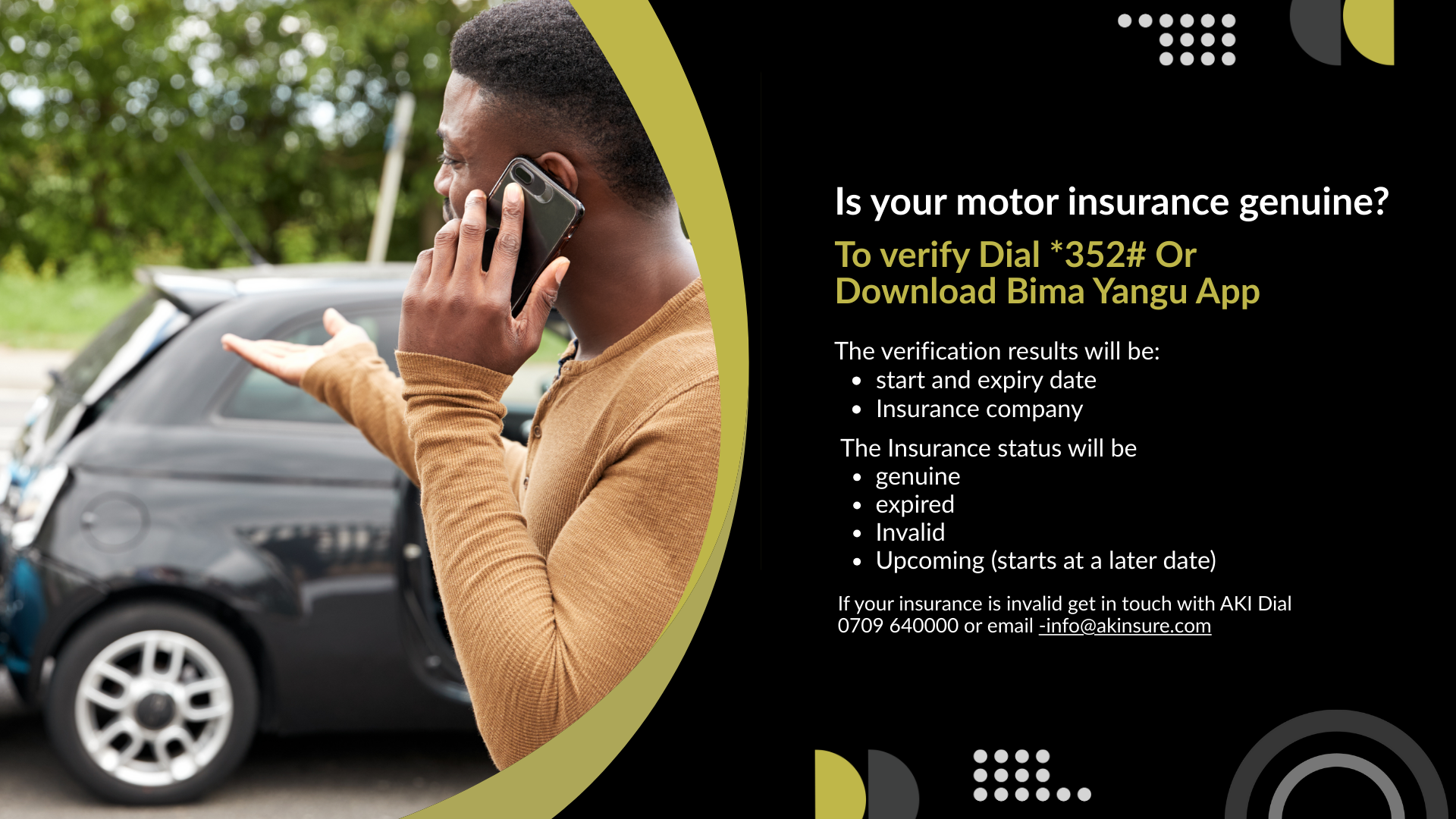
Why should I verify my insurance?
A certificate may look okay, but the information behind it could be wrong, expired or inactive.
A quick check helps you make sure:
CHECK THESE DETAILS
- Your vehicle details are correct
- Your insurer is correct
- Your cover is active
- Your cover dates are correct
- There are no problems you need to fix
Best time to check? After buying or renewing your motor insurance — and any time you are unsure about your cover.
Choose Your Verification Method
You can verify your motor insurance using your mobile phone or the Bima Yangu app.
Dial *352#
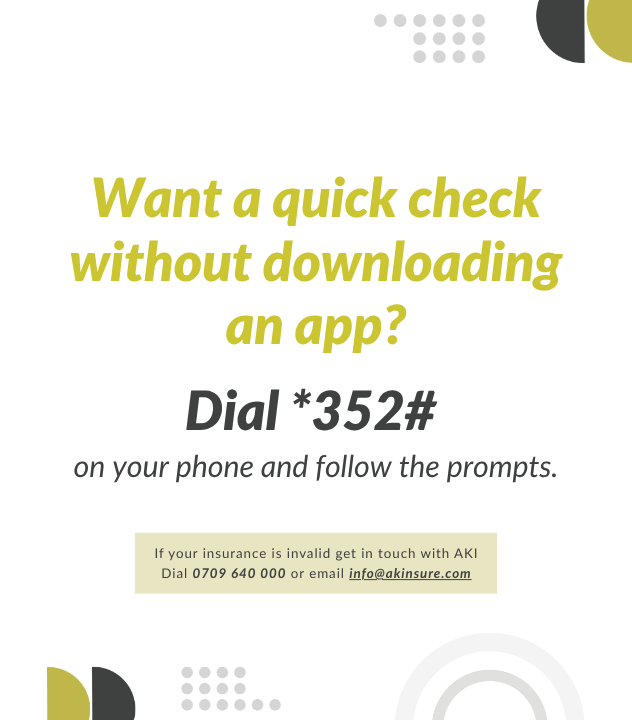
Want a quick check on the go? Dial *352# on your phone and follow the prompts.
Use Bima Yangu App
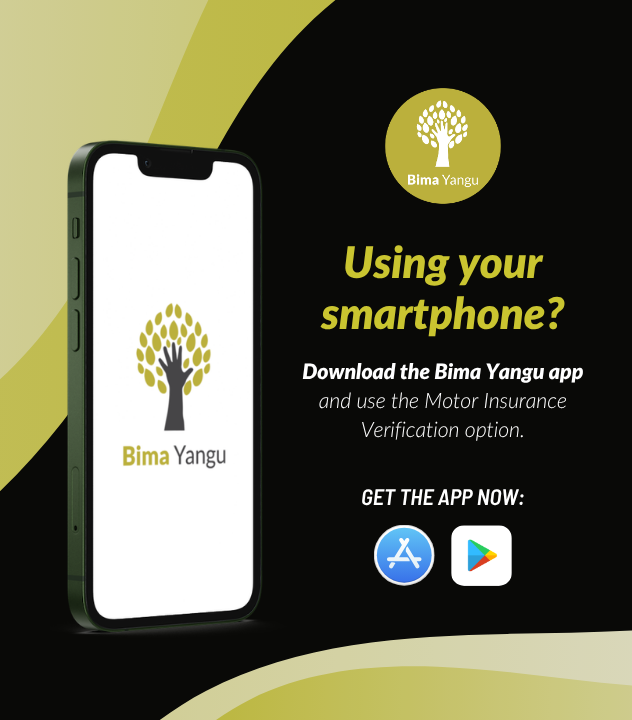
Prefer using an app? Download the Bima Yangu App, open the verification section and use the Motor Insurance Verification option.
How to verify using *352#
It only takes a few steps.
FOLLOW THESE STEPS
-
Dial *352#
Open your phone and dial *352#. -
Follow the prompts
Choose the option for checking your motor insurance. -
Enter the requested details
Enter the vehicle number plate or chassis number, enter the certificate number and get your result. -
Check your result
Make sure the vehicle, insurer and cover details shown are correct.
*352# Not Working?
Check your mobile network and try again. If the session ends before you finish, simply dial *352# again.
How to verify using Bima Yangu
Don’t have the app? Download the Bima Yangu app first.
Already have the app? Open Bima Yangu and go to Verify Certificate, then open Verify Certificate – Motor Insurance.
FOLLOW THESE STEPS
- Download the Bima Yangu App
- Choose the Verify Certificate icon
- Open Verify Certificate – Motor Insurance
- Scan the QR code on the motor insurance certificate
- Enter car registration number
- Check your result
Check that the vehicle, insurer and cover details are correct.
What does my result mean?
Your result tells you the status of your motor insurance.
The verification result will provide:
- Vehicle registration
- Insurer
- Type of cover
- Start date
- Expiry date
You have insurance coverage.
Your cover starts at a later date.
Your cover is expired. What next? Renew your insurance.
You have no insurance cover. Engage your insurer or contact AKI for help.
Your cover has been cancelled. Engage your insurer.
Something doesn’t look right?
If the information shown does not match your certificate, don’t ignore it.
CHECK THE FOLLOWING
- Registration number — Is it the same as your vehicle?
- Insurer — Is it the company you bought your cover from?
- Cover dates — Is your insurance currently active and when does it expire?
- Type of cover — Does it match what you purchased?
Save the result
Take a screenshot or note the result.
Keep your documents
Keep your insurance certificate and payment receipt.
Contact your insurer
Contact the insurer and provide the relevant information.
After correction
Verify again once the issue has been corrected.

Just bought or renewed your insurance?
If your details are missing or showing incorrectly shortly after buying or renewing your cover, contact your insurer or authorised insurance provider.
WHAT TO DO
- Ask them to confirm that your policy has been updated correctly.
- Once they confirm the update, verify again.
Think your insurance certificate could be fake?
Don’t panic but don’t ignore it either.
DO THIS
- Keep your insurance certificate
- Keep your receipt or proof of payment
- Save any messages or communication you received on the motor insurance
- Contact the insurer using their official contact details
- Contact AKI on 0709 640000

Protect yourself when buying motor insurance
IMPORTANT
This is a FREE service. Do not send more money to an unfamiliar phone number or person claiming they can “activate” or “fix” your insurance.
Before you pay
Buy insurance from a licensed insurer, agent or broker.
After you pay
Keep your receipt and policy documents.
Then verify
Check your motor insurance using *352# or Bima Yangu App.
SIMPLE RULE
Buy. Check. Verify.
Frequently Asked Questions
What is motor insurance verification?
Does verification buy or renew my insurance?
What do I need before I start?
Should I use *352# or Bima Yangu?
What should I check in the result?
What does “Upcoming” mean?
What if my insurance says Invalid?
What if my details are not found?
How often should I verify?
Need help?
Having trouble with your verification?
Start by contacting the insurer or authorized insurance provider that issued your cover.
If the issue cannot be resolved, or you are concerned that your insurance may not be genuine, contact the Association of Kenya Insurers.
Call AKI: +254 709 640000 | Email: info@akinsure.com